
Talent allows keeping record and profile of all the talent on board. All the information by the talent is kept at one place where any MARS users in the company can view and edit. – Skills, Attributes, Address, Images, Videos, Audio, CV, Unavailability Calendar, Payment and Passport Details.
Search and Filter:
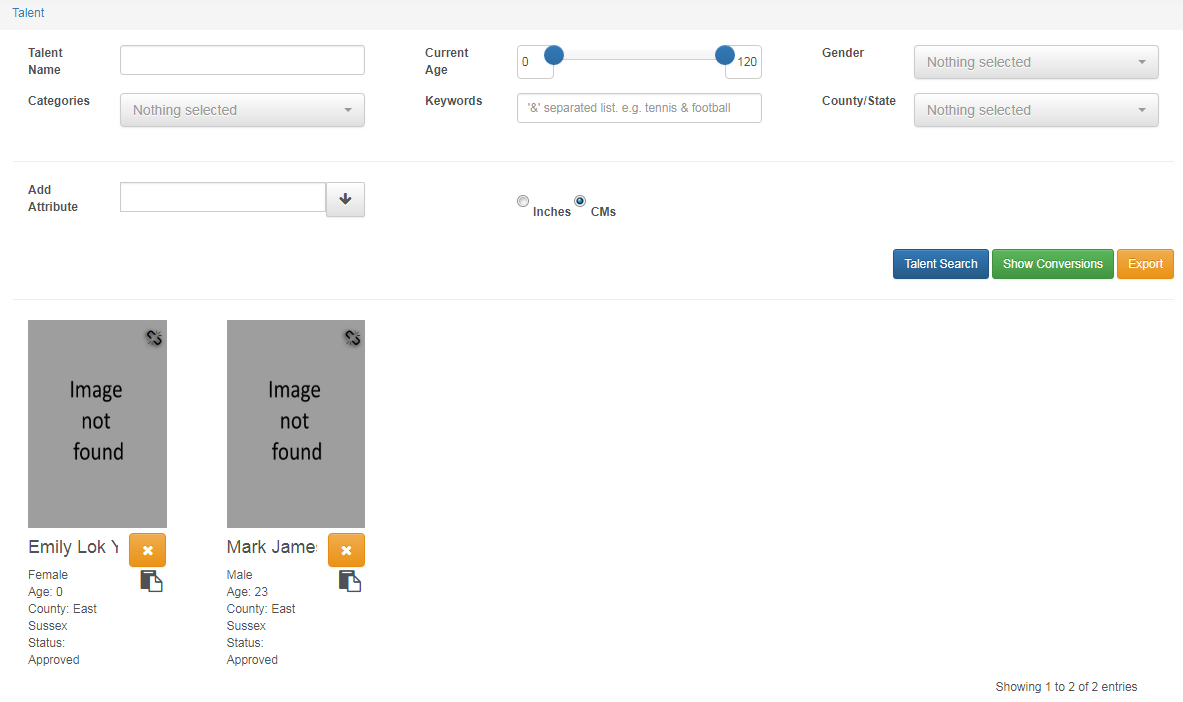
Search the right talent by filtering the search options. Specific measurements can be filtered by inches and CMs such as height, waist and hips. In case you need to send a mass email or need all talent details in one go, there is an export button which will export all the talent details on an excel sheet.

View all your talents:
View all talents on MARS and also see how many talents you have on the right hand bottom corner.
Upload Images, Video and Audio:
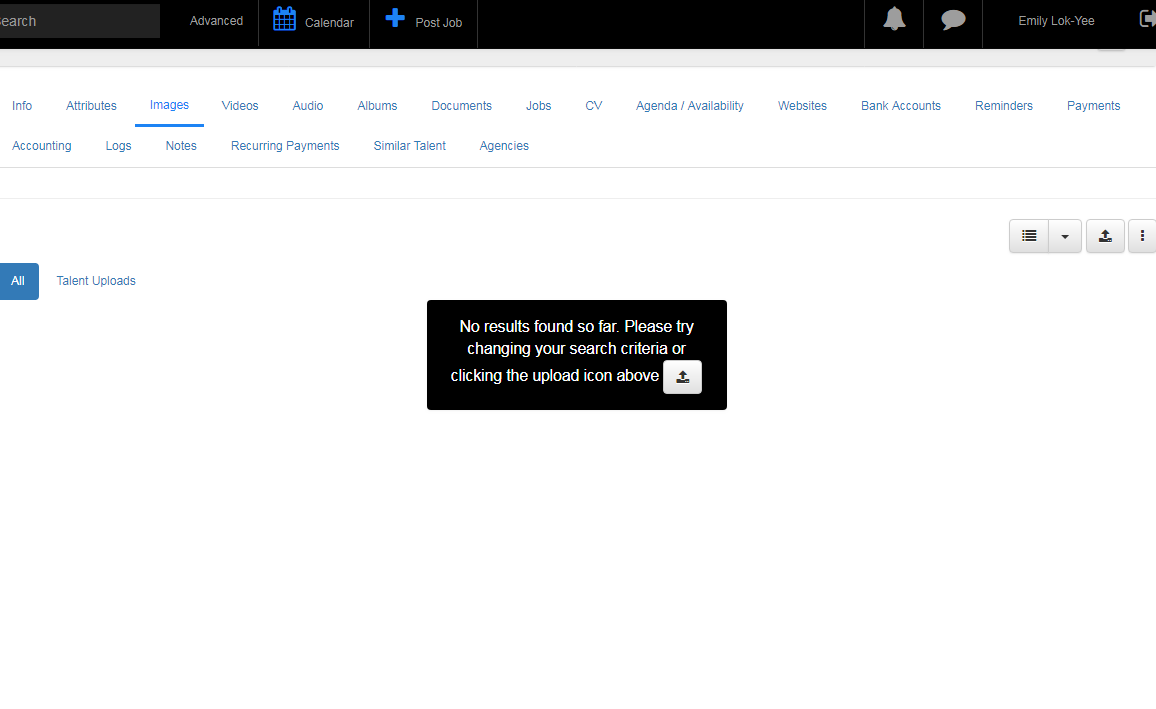
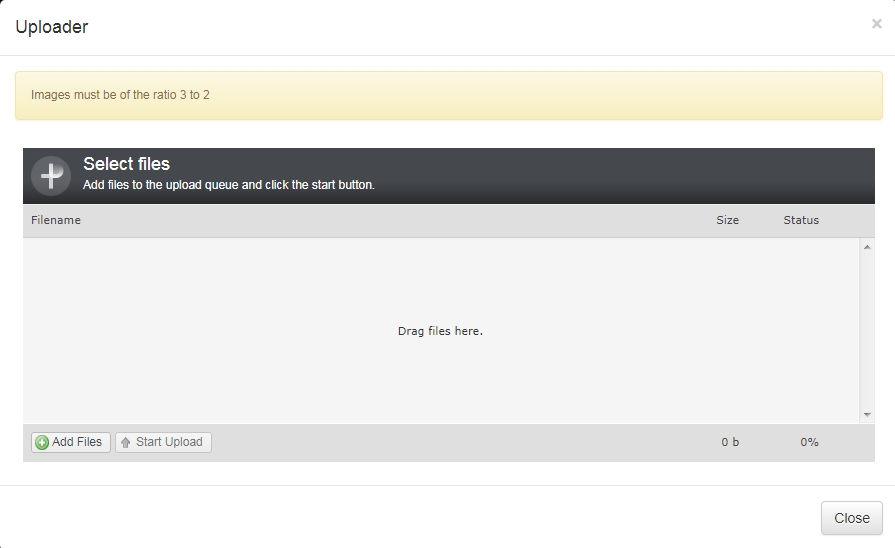
Upload content of models on their profiles. The images will need to be cropped to the right size, depending on how your website is laid out. You can upload as many images, videos or audio into the talent’s profile.
Easy and Fast Uploads
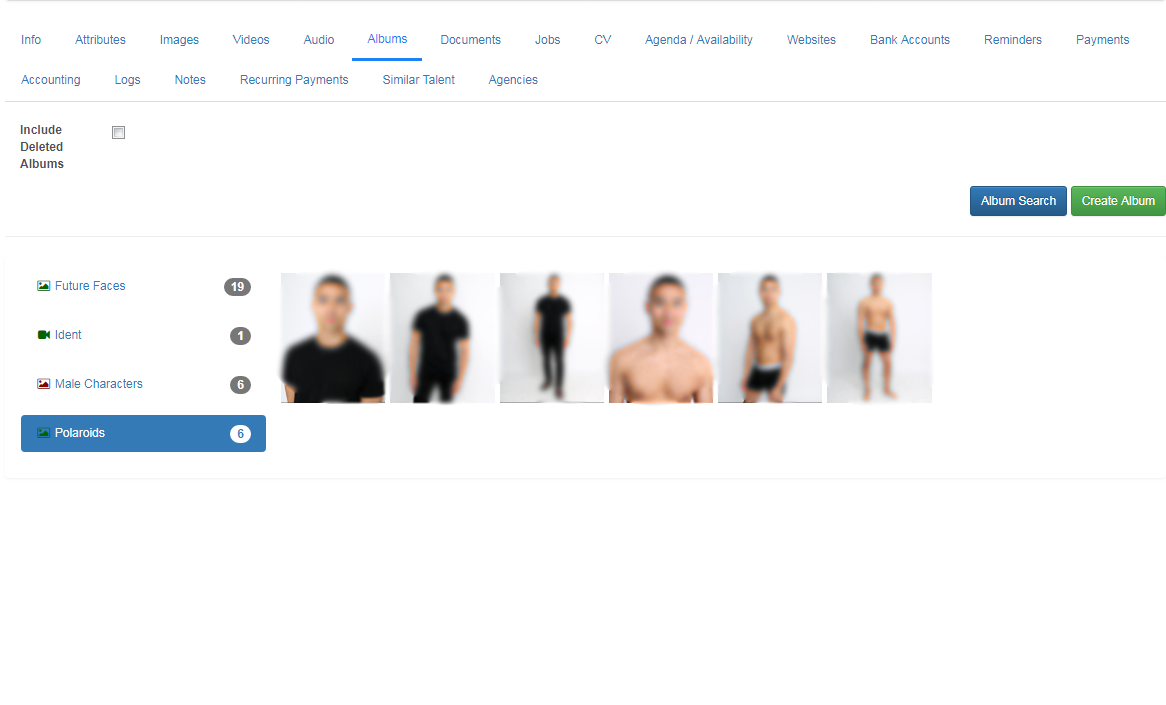
Create albums:
Create albums of the images and videos needed on the website. These images choose will be ticked onto the website.
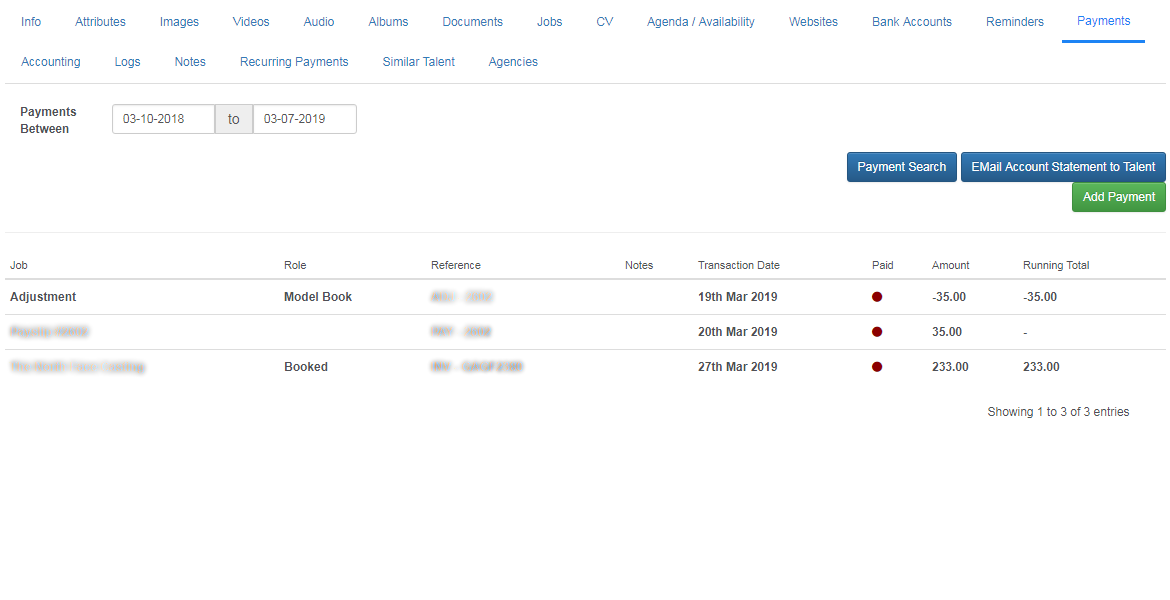
Adjust Payments on talent:
Any expenses or payment can be adjusted under each talent e.g. model book.
Ticking talent on website:
MARS will have all your website categories set up. Tick the category of the talent and then select the album type (which set of images to appear on the website). Then click update websites and the talent should appear on the website.

Instant Chat With Talent:
Send instant chat message to the talent for quicker replies. This will send them a notification on their lock screen just like a normal phone message. They can reply instantly instead of creating chains of emails.

Logs:
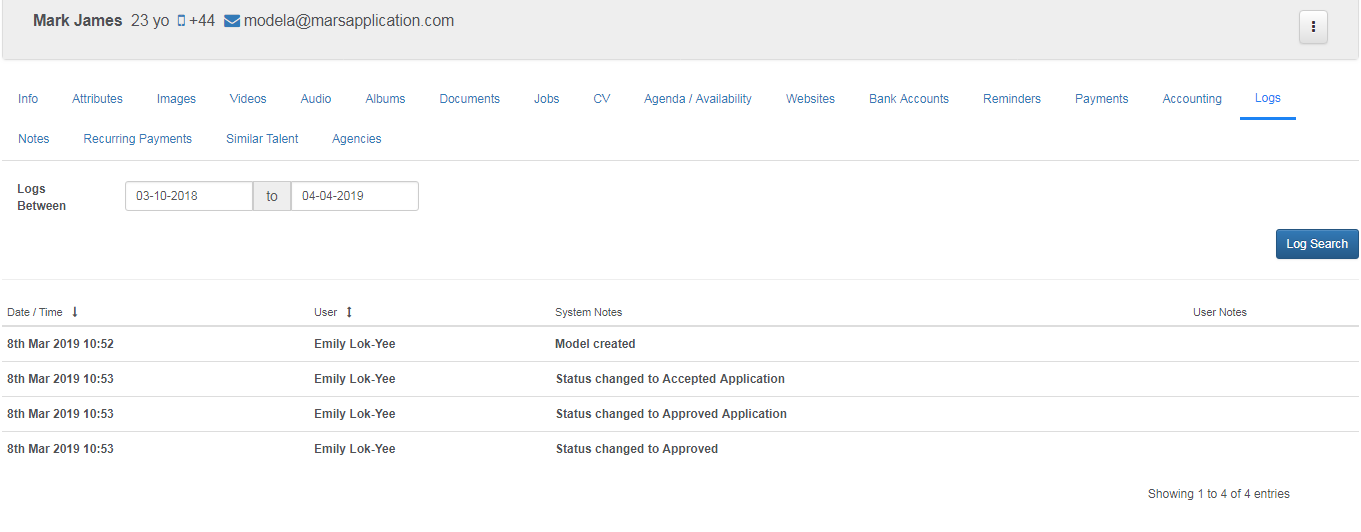
View logs of the talent and system notes. You can see when the model was created and their status changes.